Digital SAT Math: How the Section Works and How to Prepare
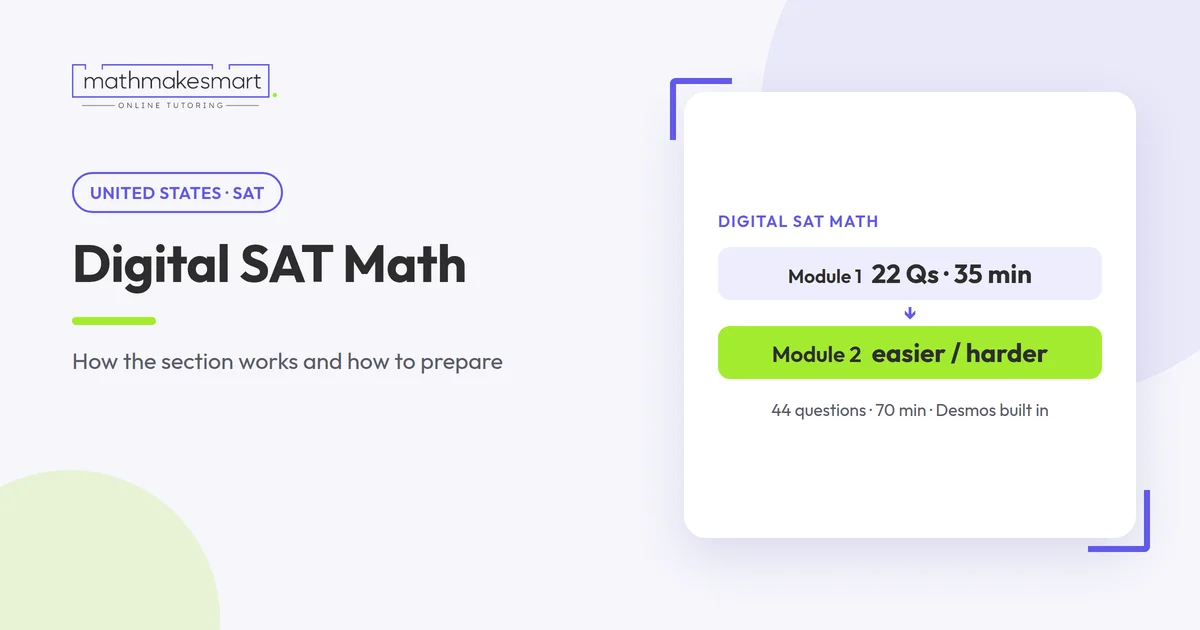
Quick answer: The digital SAT Math section has 44 questions in two modules of 35 minutes each, so 70 minutes in total. It's adaptive: your performance on the first module decides whether the second module is easier or harder. A built-in Desmos calculator is available for the whole section, and you can bring an approved calculator of your own. Most questions are multiple choice, but some ask you to type in the answer. The content is weighted toward algebra and advanced math, which together make up about 70% of the section.
The structure at a glance
Questions: 44
Modules: 2, each 35 minutes
Total time: 70 minutes
Adaptive: yes, module 2 is easier or harder based on module 1
Answer types: mostly multiple choice, plus student-produced response
Calculator: built-in Desmos throughout, or your own approved calculator
Source: College Board — How the SAT is structured and calculator policy.
The test runs in College Board's Bluebook app. Within a module, you can mark a question for review and jump back to it using the question menu. Once a module ends, you can't return to it.
What's on the test: the four domains
College Board groups the math questions into four content domains (College Board — SAT math alignment):
Algebra: ≈35%, about 15 questions
Advanced Math: ≈35%, about 15 questions
Problem-Solving and Data Analysis: ≈15%, about 7 questions
Geometry and Trigonometry: ≈15%, about 7 questions
Question counts are our estimate from the published percentages.
Algebra means linear equations, linear inequalities, systems of equations and linear functions. Advanced Math covers quadratics, exponentials, polynomials, rational and radical expressions, and nonlinear functions. Together they're roughly 30 of the 44 questions. In practice, that means a student who is solid on Algebra 1 and the function work from Algebra 2 has already covered most of the section.
How the adaptive design changes your strategy
The first module contains a mix of easy, medium and hard questions. How you do on it determines whether you get the harder or the easier version of module 2 (College Board).
Three practical consequences follow:
Module 1 accuracy matters most. Careless errors on easier questions in module 1 can route you to the easier second module, which limits how high your score can go. Slow down enough to get the straightforward questions right.
A hard module 2 is a good sign. Students sometimes panic when module 2 feels tougher. Usually it means module 1 went well.
Don't leave blanks. An unanswered question can't earn a point, so make sure every question has an answer before time runs out.
Pacing: how long do you have per question?
Each module gives you 35 minutes for 22 questions. That's 2,100 seconds ÷ 22 ≈ 95 seconds per question.
That average hides a real spread. Easy linear equations can take 30 seconds. A multi-step word problem might take three minutes. A workable approach:
Answer the questions you can do quickly first, and mark for review any that will take more than about two minutes.
Aim to finish a first pass with five to eight minutes left in each module.
Use the remaining time on the marked questions.
Using the built-in Desmos calculator
Desmos is available for the entire Math section, and you can switch between its scientific and graphing modes at any point (College Board). Students who know how to use it well can solve some question types faster and with fewer errors than by hand.
Example 1: a system of equations
Solve: 2x + y = 11 and x − y = 1.
By algebra: add the equations to get 3x = 12, so x = 4. Then y = 4 − 1 = 3.
With Desmos: type both equations on separate lines, then click the intersection point. Desmos shows (4, 3).
Both methods work. The point is to know the Desmos route for systems that are messy to solve by hand, for example with decimal coefficients.
Example 2: roots of a quadratic
What are the solutions of x² − 6x + 5 = 0?
Factoring gives (x − 1)(x − 5) = 0, so x = 1 or x = 5. In Desmos, graph y = x² − 6x + 5 and click where the curve crosses the x-axis. You'll see (1, 0) and (5, 0).
When not to use Desmos
Desmos isn't always quicker. For a question like "if 3x + 2 = 17, what is x?", mental arithmetic (x = 5) is faster than typing. Practise enough to know which route suits each question type, so you're not deciding under time pressure.
Bringing your own calculator
You can use an approved handheld calculator instead. It must not be a CAS calculator, and it can't be shared. Calculators aren't allowed in the Reading and Writing section (College Board calculator policy). If you plan to use your own, practise with the same model you'll bring on test day.
Student-produced response questions
Some math questions don't give options; you type the answer instead (College Board). These remove the safety net of checking your answer against choices, so a few habits help:
Re-read what's being asked. If the question asks for 2x and you've found x, double it before entering.
Check units and the form of the answer. If the question asks for a percentage or a value in dollars, make sure your number fits.
Substitute back. If you solved an equation, plug the answer in to check it.
Read the on-screen directions for these questions in practice tests. They explain how fractions, decimals and negative answers should be entered.
Use the reference sheet, but don't depend on it
A list of common formulas is available in the Math section, covering areas such as circles, triangles and volumes. It's useful as a check, but looking up every formula costs time. Students who know the area of a circle and the Pythagorean theorem without checking have more time for harder questions.
A six-week plan for SAT Math
This is a starting framework. Adjust it to the time you have.
Week 1: Take a full official practice test in Bluebook. Sort every missed question by domain.
Week 2: Algebra: linear equations, systems, and inequalities. Learn the Desmos route for systems.
Week 3: Advanced Math: quadratics, exponentials and function notation.
Week 4: Problem-Solving and Data Analysis: ratios, percentages, rates and reading data.
Week 5: Geometry and Trigonometry, then mixed timed sets of 22 questions in 35 minutes.
Week 6: Second full practice test. Review every error, including lucky guesses.
The key step is in week 1: sort your errors. Most students lose points in a small number of topics. Spending time there pays off more than redoing topics you already know.
Common mistakes on SAT Math
Rushing module 1. It sets up module 2, so accuracy matters more than speed.
Answering the wrong question. Word problems often ask for something one step past the variable you solve for.
Ignoring Desmos until test day. It only saves time if you've practised with it.
Using third-party tests only. Official practice tests in Bluebook are the closest match to the real format.
When extra help makes sense
Support is most useful when practice-test scores have stalled, when one domain (often Advanced Math) is costing most of the points, or when a student understands the math in class but runs out of time on the test.
A tutor can't guarantee a score, but can help with targeted practice, timing, and the algebra skills the section depends on. Math Make Smart offers online SAT prep with one-to-one tutors. If you're still deciding which test to take, start with our SAT vs ACT comparison. You can book a free trial lesson to see if it suits you.
Frequently asked questions
How many questions are on the SAT Math section?
44, split across two 35-minute modules.
Can I use a calculator on every SAT math question?
Yes. The built-in Desmos calculator, or your own approved calculator, can be used throughout the Math section.
Is a CAS calculator allowed?
No. Calculators with computer algebra systems aren't permitted.