Best Free Online Tutoring and Meeting Software (Top 5 Tools)
Choosing Online Tutoring and Meeting Software
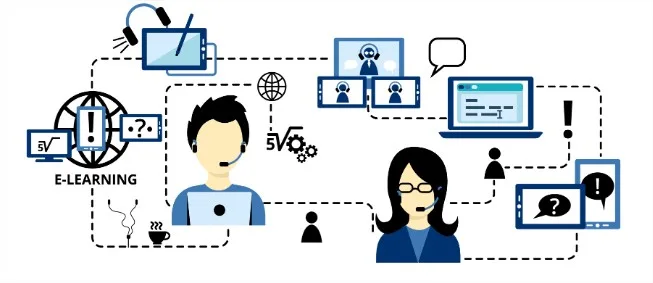
The process of teaching and learning is continuously changing beyond all recognition in today’s technologically advanced digital age. There is nothing you cannot learn today thanks to online tutoring websites. Online tutoring has emerged as a fantastic solution for those who are having trouble locating the right instructors or tutors for their academic needs. Nowadays, online tutoring and meeting software are necessary for online education and remote working.
Top 5 Free Online Tutoring and Meeting Software Tools
The use of video conferencing tools and online tutoring services has increased. They give students and tutors more freedom, and businesses, freelancers and educational websites use them every day for meetings and training. With so many options on the market, it is worth choosing the one that best fits your needs. The right tool speeds up learning and saves both time and money. Many families now find that online tutoring is better than traditional learning, and these tools are a big reason why.
There are several communication platforms for online learning. Zoom, Microsoft Teams (which replaced Skype), Google Meet, AnyDesk and TeamViewer are five of the most widely used free tools for online tutoring, meetings and conferences around the world. They power many online one-to-one tutoring platforms.
1. Zoom
Because of its superb functions, Zoom Meeting is the ideal solution for video conferencing. If a team needs to schedule online meetings, host video webinars, share desktops with clients, students, or other team members to discuss projects or tasks, exchange documents with them, etc., then this is a suitable solution for any business or organization.
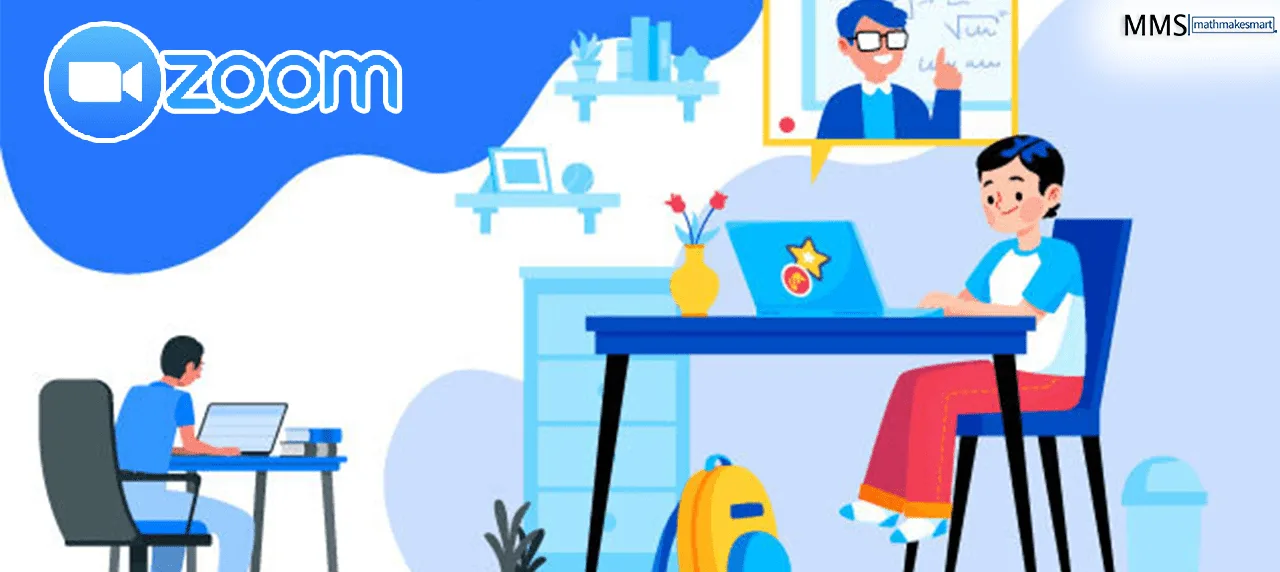
It can quickly arrange meetings, provide a private meeting link to invitees by email or text message, and connect with faraway team members via video chat. Zoom may be integrated with 200+ other popular programs, including Slack, PayPal, and many more.
Features of Zoom
- Users of desktop PCs, laptops, tablets, and mobile phones can share their screens.
- Whiteboarding and document sharing with all meeting attendees.
- Offers SSL-encrypted private and group chat options.
- The free plan allows up to 100 participants, with group meetings limited to 40 minutes.
- Scheduling made simple using Chrome extensions
- In Zoom meetings, participants have the option to call into the meeting.
- Tutors may record lessons and send the recordings to students afterward so they can review certain topics or use them as sources for homework.
- With the whiteboard option, students can simulate writing down everything while presenting their ideas to the teacher.
- If students want to show a teacher something they’re looking at on another website or on their screen during video sessions, screen sharing is a useful tool.
2. Microsoft Teams (Formerly Skype)
For many years Skype was one of the most popular free tools for online lessons. Microsoft retired Skype in May 2025 and moved its users to Microsoft Teams (free), which now offers the same video calls, chat and file sharing with extra collaboration tools.

Features of Microsoft Teams
- Video and audio calls with screen sharing, so students can show a tutor exactly what they are working on.
- Chat and file sharing during and after lessons, including large documents.
- A built-in whiteboard and meeting recordings for review.
- Microsoft security features and account controls.
3. Google Meet and Google Drive
An improved version of the Hangouts app called Google Meet is also suitable for commercial uses including webinars and video conferencing. Google Meet works on desktop and mobile. You can share your whole screen or a single window, and exchange documents, presentations and spreadsheets while you present, making it easy to collaborate with colleagues, students or classmates from anywhere.
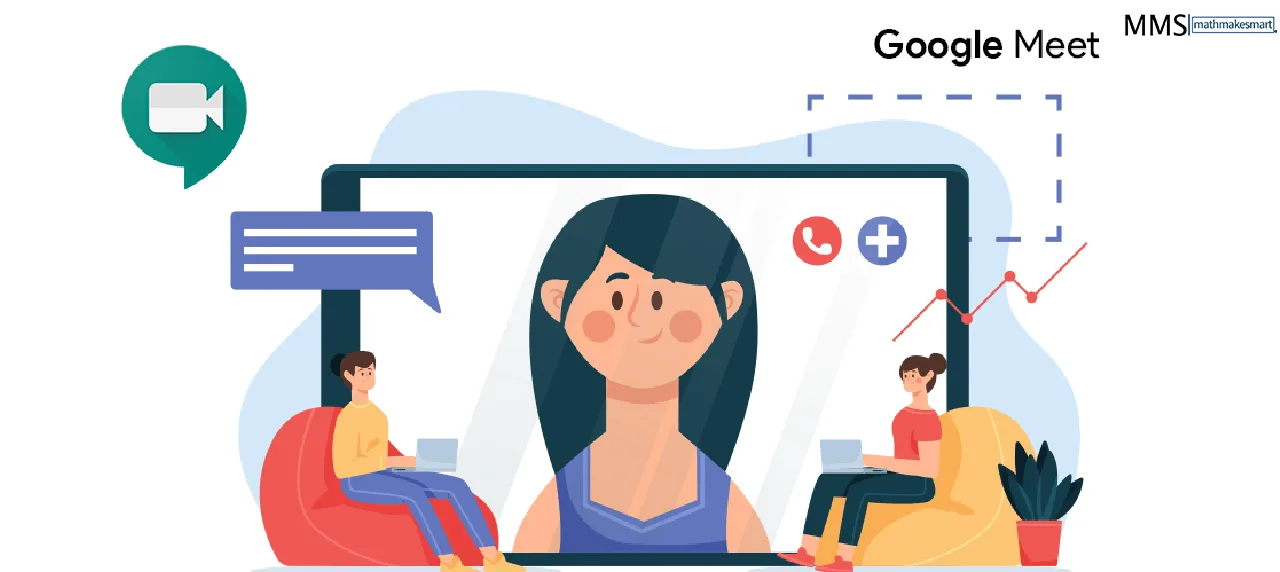
Google Drive works alongside Meet, giving every free Google account 15 GB of storage for lesson files, recordings and shared notes.
Features of Google Meet
- Invite guests easily by sharing a meeting link or code.
- Simple and secure.
- The automatic integration with Google Calendar and the rest of the Google apps is a benefit of this platform.
- The recording feature in Google Meet works much like Zoom’s, allowing students to view their lessons at a later time and store them in a connected Google Drive folder.
- You can select to turn on real-time closed captioning for callers while teaching a lesson in your second language to aid in language understanding and learning.
- The collaboration tool Google Classroom, used by many schools daily, is connected to Google Meet.
- Meet is designed with education in mind, making them reasonably user-friendly and adaptable to most class requirements.
4. AnyDesk
A remote desktop program called AnyDesk is offered by AnyDesk Software GmbH. Platform-independent remote access to desktop PCs and other devices running the host application is made possible by the proprietary software program. It features VPN, file sharing, and remote control. Only share access with people you trust, as scammers sometimes misuse remote desktop tools. AnyDesk employs the exclusive video codec “DeskRT,” which is intended to provide users with higher-quality video and sound transmission while minimizing the amount of data transmitted. AnyDesk is a very small, lightweight application. The licensing of each user determines which functionalities are accessible.
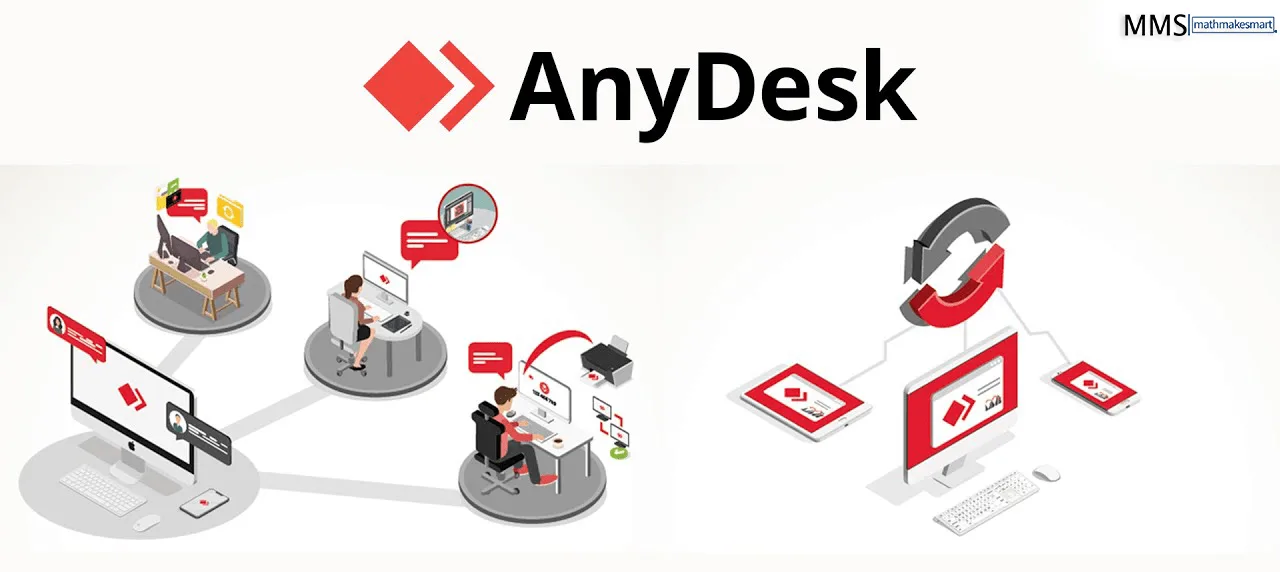
Features of AnyDesk
Some key characteristics include:
- Access from a distance for several operating systems (Windows, Linux, macOS, iOS, Android, etc.)
- File manager and file transfer
- VPN and remote printing
- Unattended access
- Whiteboard
- Auto-Discovery (automatic analysis of local network)
- Chat-Function
- Custom-Clients
- Session logging
- Two-Factor-Authentication
- Specific host-server
5. TeamViewer
TeamViewer is a computer program that enables remote access and remote control. TeamViewer makes it easy to support and maintain computers and other devices. It is free for personal, non-commercial use and is installed on billions of devices worldwide. Students and teachers use it to set up devices and solve technical problems before lessons.
Features of TeamViewer
Depending on the hardware and software version, TeamViewer has different functionalities.
- Remote control and maintenance of computers and other endpoints are at the heart of TeamViewer’s functionality.
- The users at the endpoints can see the remote screen after connection.
- Send and receive data.
- Access shared clipboards and files
- IP telephony for audio and video transfers, helps teams collaborate.
Conclusion
Good online tutoring and meeting software makes remote learning smooth for students and tutors alike. During COVID-19, schools everywhere relied on these tools to keep classes running, as we covered in our online tutoring tips during the coronavirus. If you need help setting up any of these tools for lessons, our team is happy to help, and you can book a free trial lesson to try online tutoring for yourself.
Frequently Asked Questions
What is the best free software for online tutoring?
Zoom, Google Meet and Microsoft Teams are the most popular free options. They all offer video calls, screen sharing and chat. The best choice depends on the length of your sessions and the tools you need.
Is Zoom free for tutoring?
Zoom has a free plan, but meetings are time-limited (40 minutes at the time of writing). Paid plans remove the limit and add features such as cloud recording.
Can I use Google Meet for one-to-one tutoring?
Yes. Google Meet works in a web browser with a Google account and integrates with Google Drive, Docs and Jamboard-style whiteboard tools, which makes sharing materials easy.
What are AnyDesk and TeamViewer used for in tutoring?
They are remote desktop tools that let a tutor view or control a student's screen with permission. They're useful for software help, coding lessons and troubleshooting.
What features should online tutoring software have?
Look for reliable video and audio, screen sharing, a digital whiteboard, chat, recording options and easy file sharing. Free plans often have time or participant limits, so check these before choosing.